Lock Work Days
Lock Button
Tap the Lock Button in the top right corner to Lock/Unlock a Work Day.
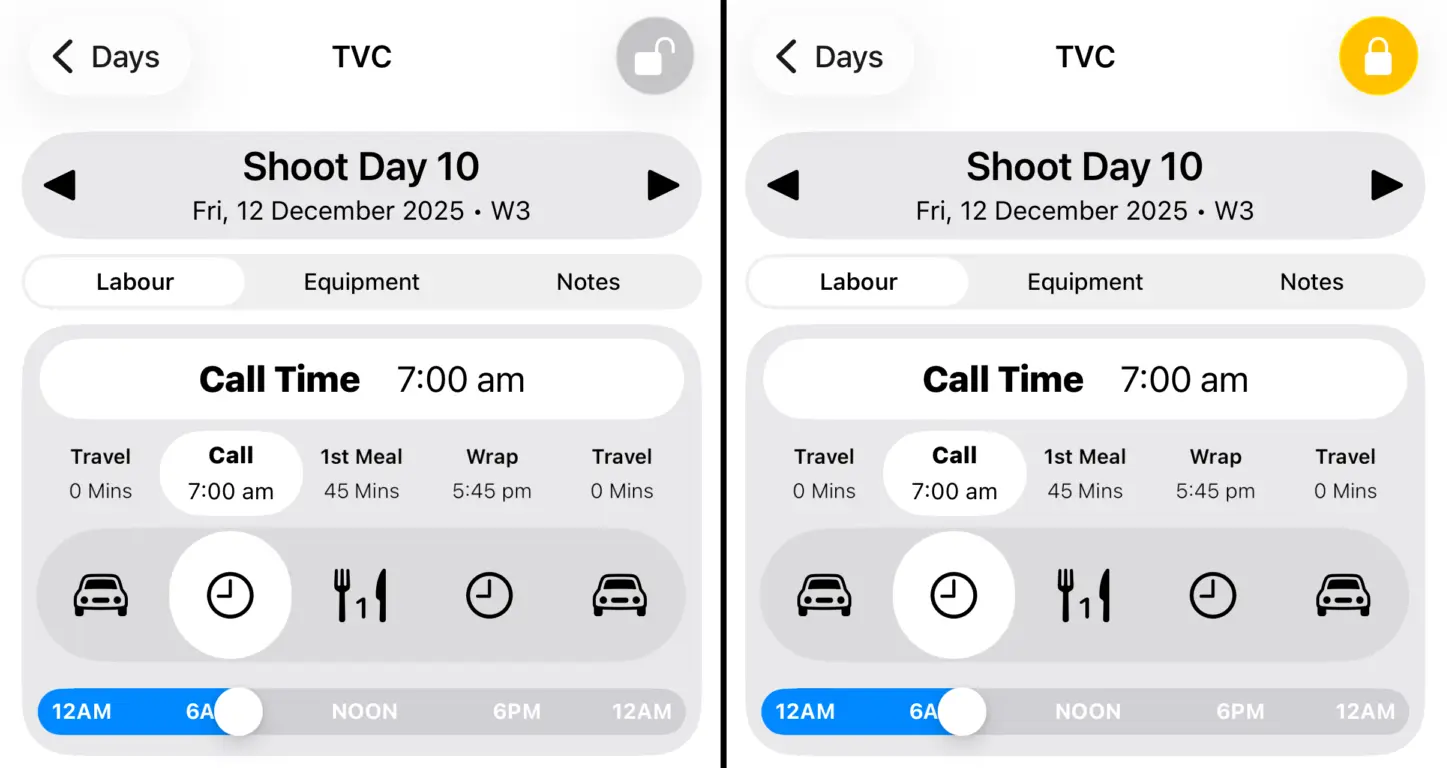
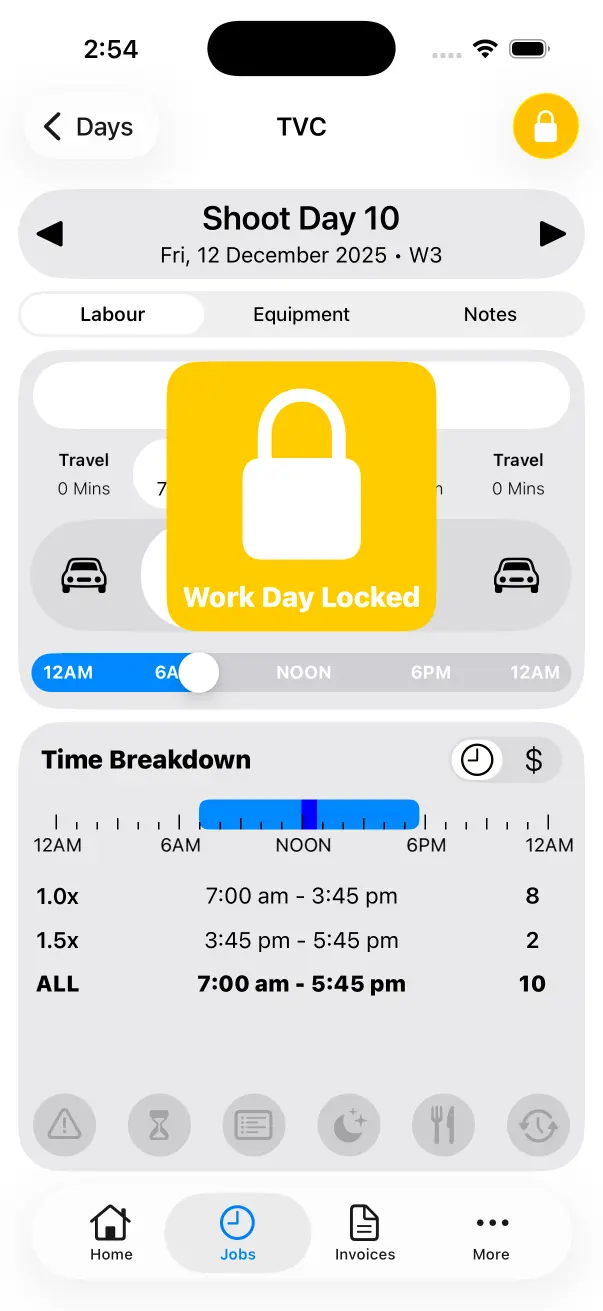
You can’t change Labour, Equipment, Notes, Locations or Mileage on a Locked Work Day. Enable this at the end of each day to prevent accidental changes.
Often you’ll want to browse a Logged Work Day, if it’s locked you don’t need to worry about accidentally changing something important.
Lock Work Weeks
If every Work Day within a Work Week is locked it will be displayed as Locked in the Work Day List. Work Days that fall within a Locked Work Week can not be deleted.
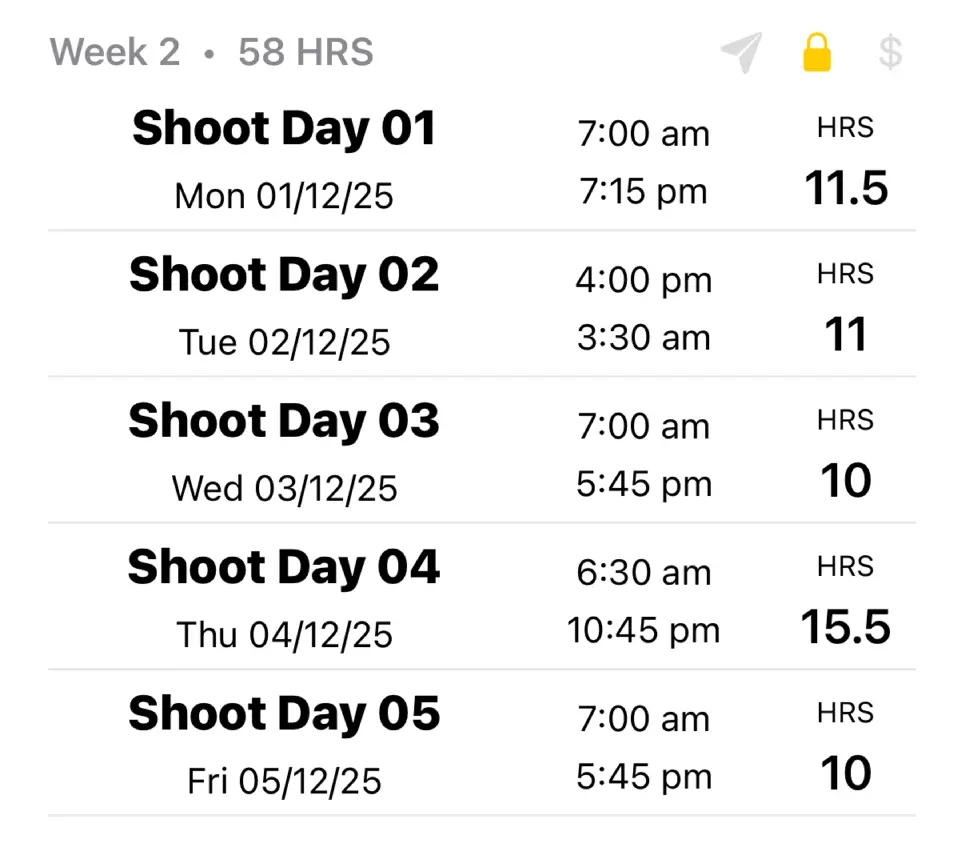
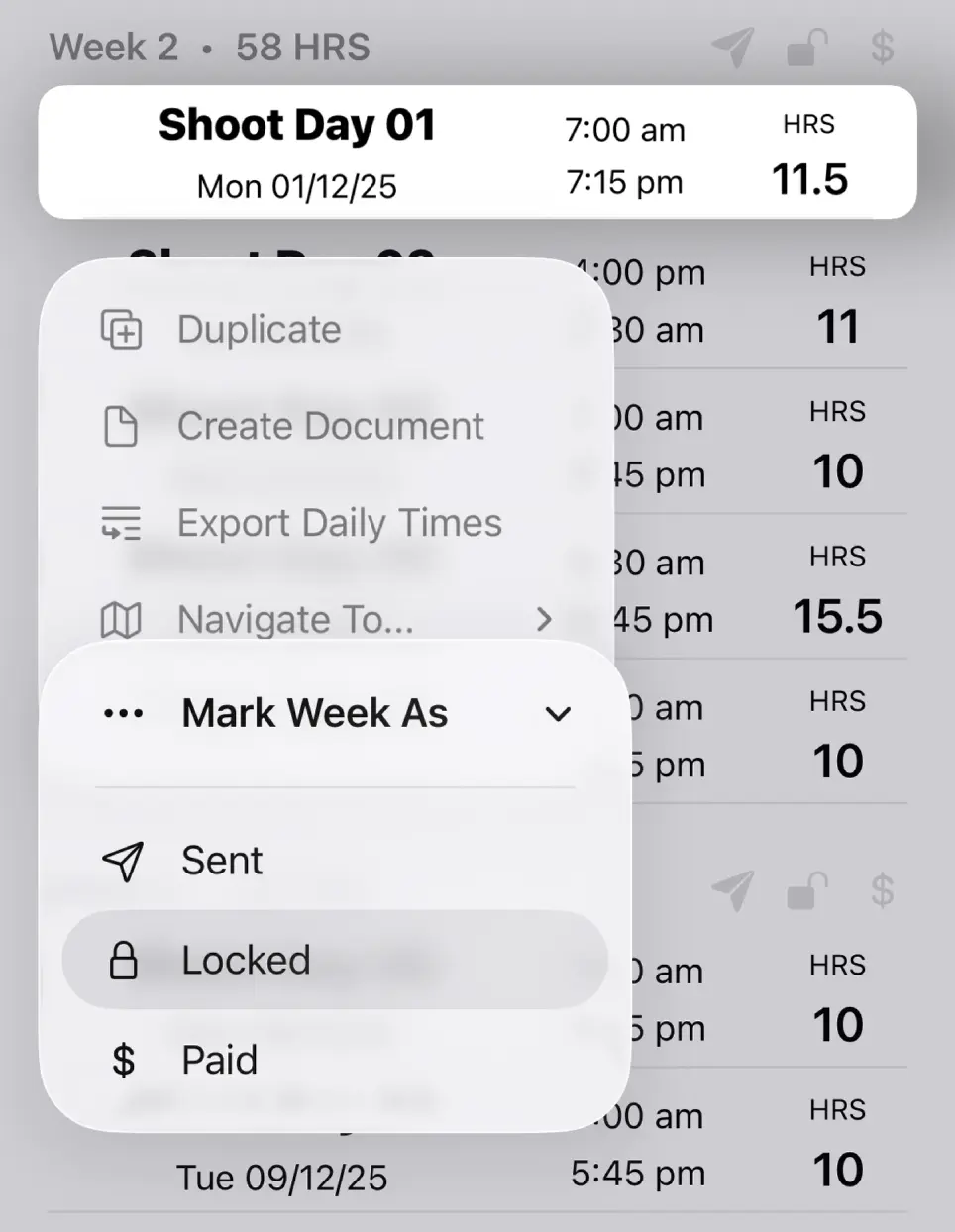
Tap and Hold on any Work Day in the Work Day List to Lock/Unlock an entire Work Week at once. This is a quick and easy way to sign off an entire week to ensure no accidental changes are made when browsing later.
Lock Jobs
Use the Lock Button to Lock/Unlock an Entire Job from the Edit Job Screen.
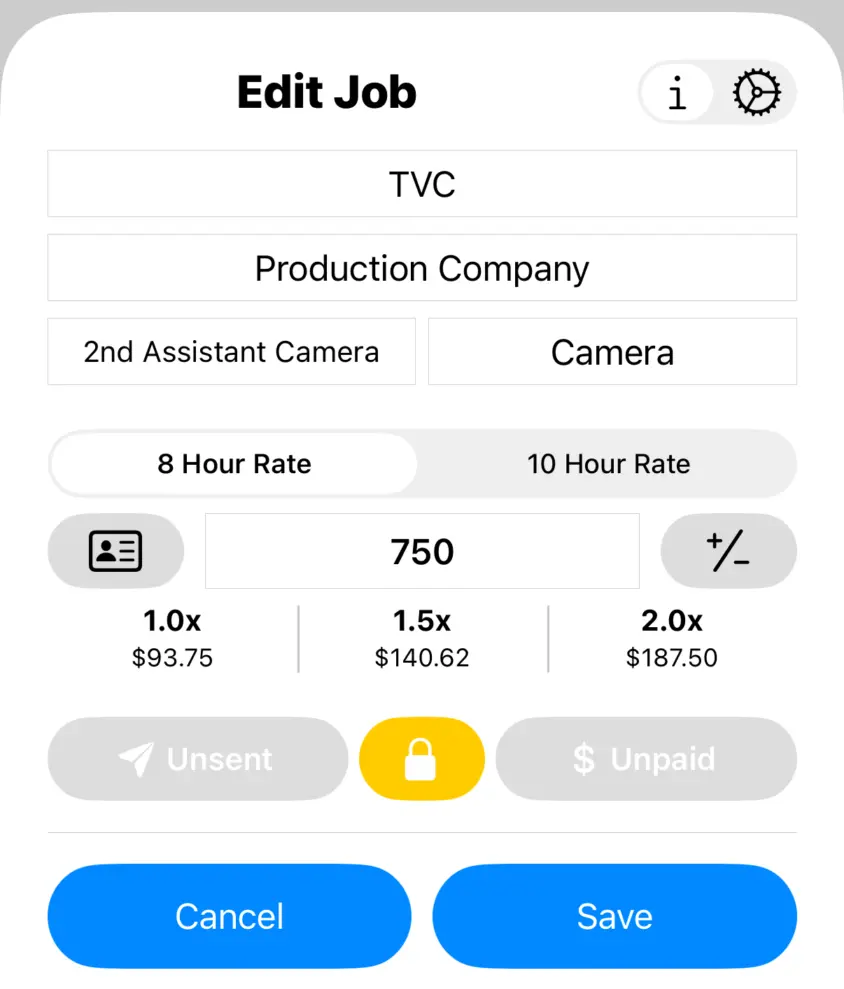
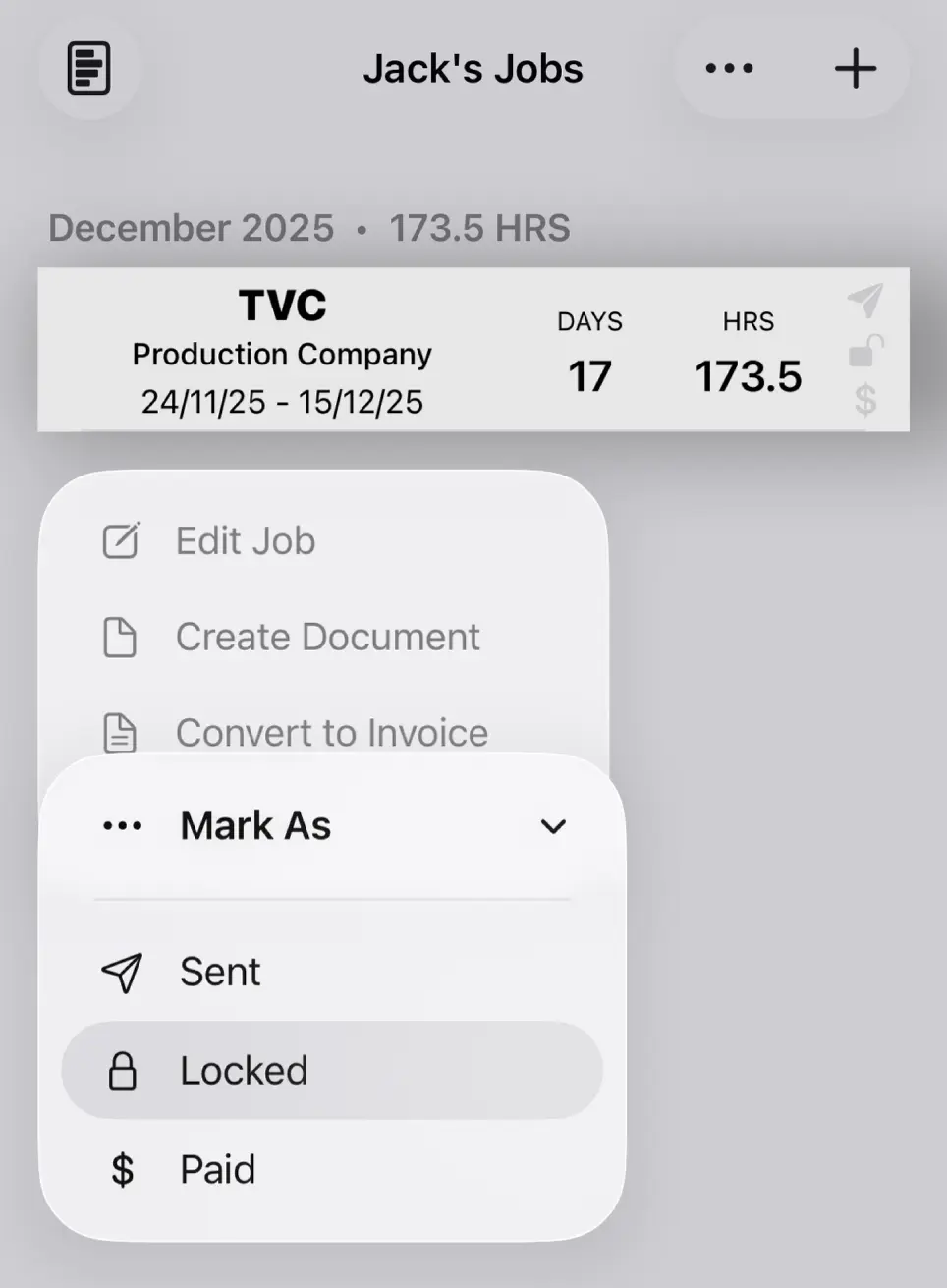
Jobs can also be Locked/Unlocked from the Job List. Tap and Hold and select Mark As → Locked.