Logging Work Days
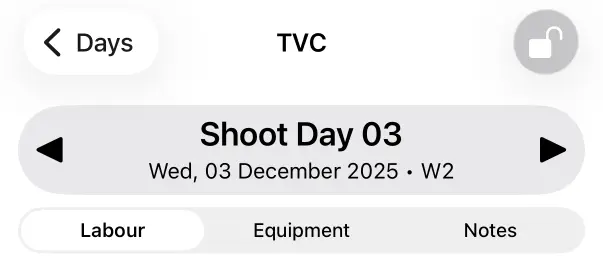
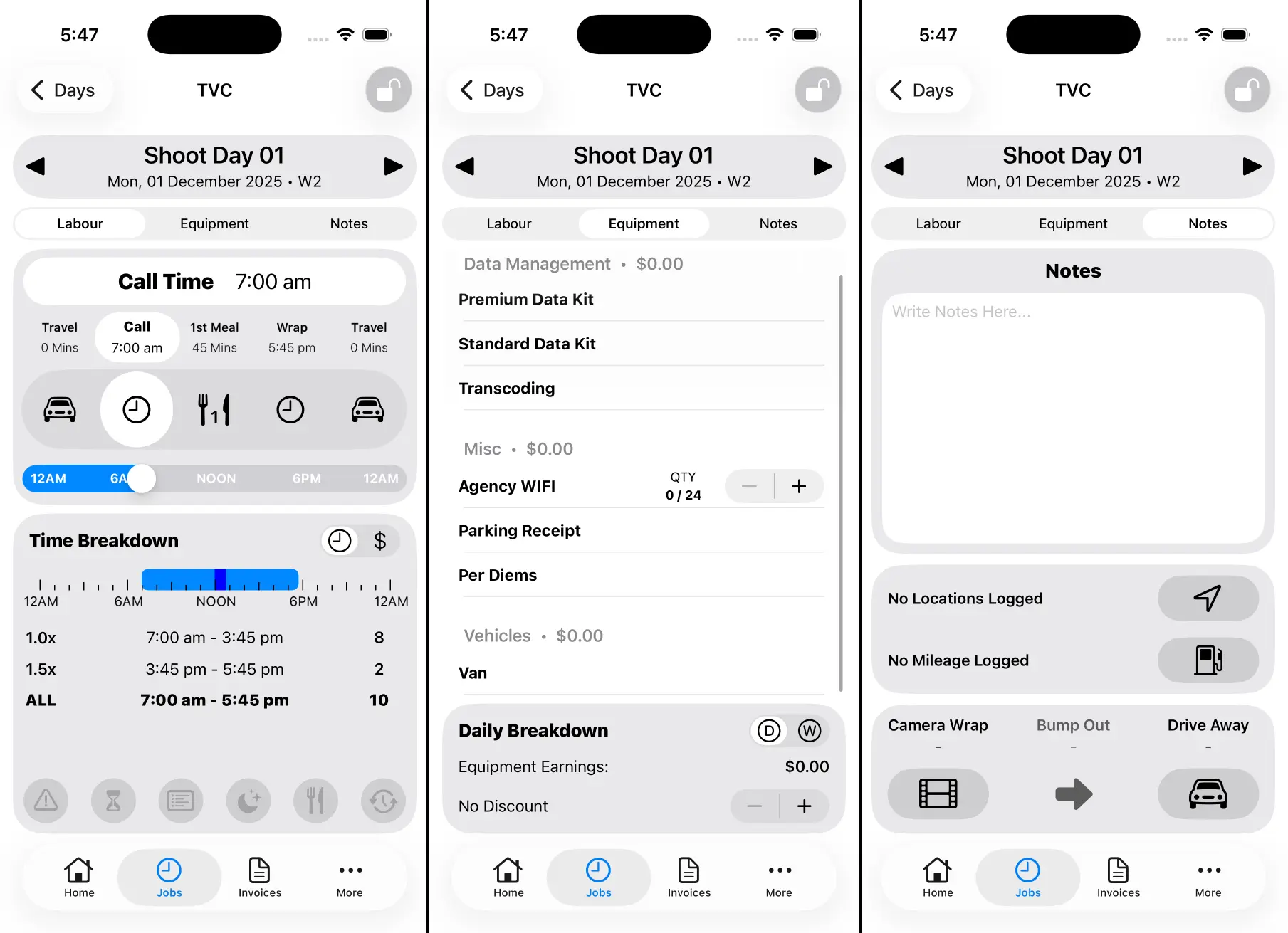
When logging a Work Day there are three main sections, Labour, Equipment and Notes.
Labour
Labour is where you log your Call Time, Meal Breaks, Wrap Time and Travel. It displays a visual breakdown of your time worked and your income.
Equipment
Equipment is where you log any gear used on a particular shoot day. Total equipment earnings are displayed at the bottom. You can also apply discounts where required.
Notes
Notes is where you’ll find everything else. You can write notes for a given shoot day. You can also log Locations and Chargeable Mileage. The bottom section let’s you record Camera Wrap and your Actual Drive Away Time.
Editing the Date Title
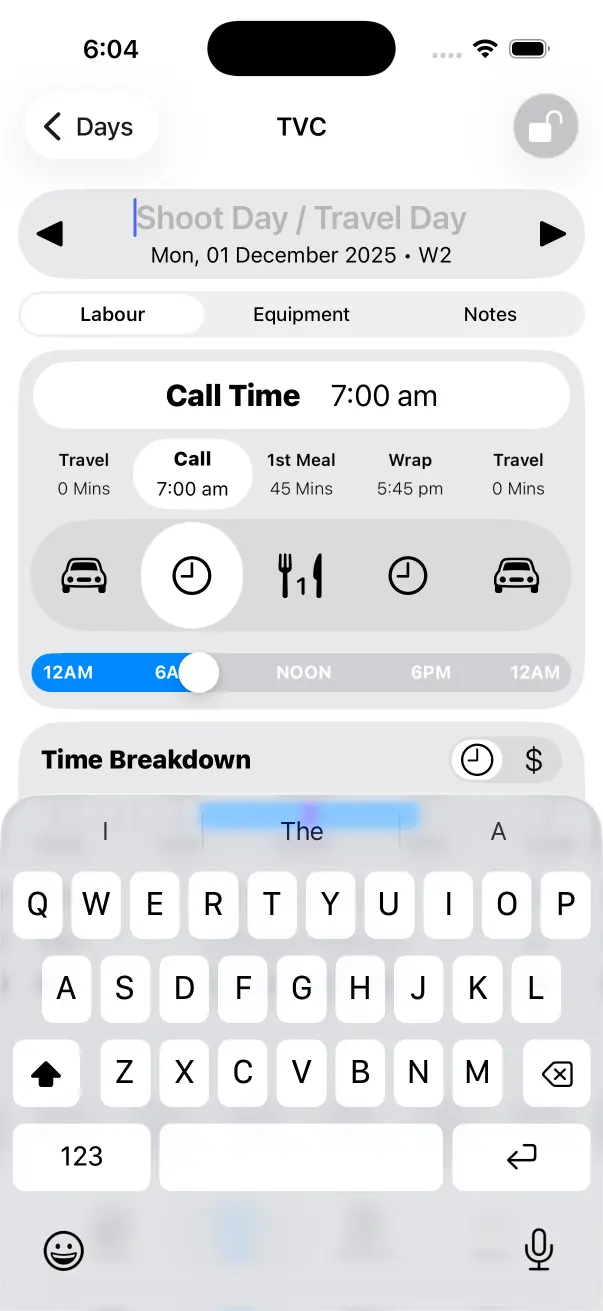
You can edit the Date Title by tapping it at the top of the Work Day Screen. By default, the presets you select when Creating a Work Day will be used for the Date Title.
Changing the Date
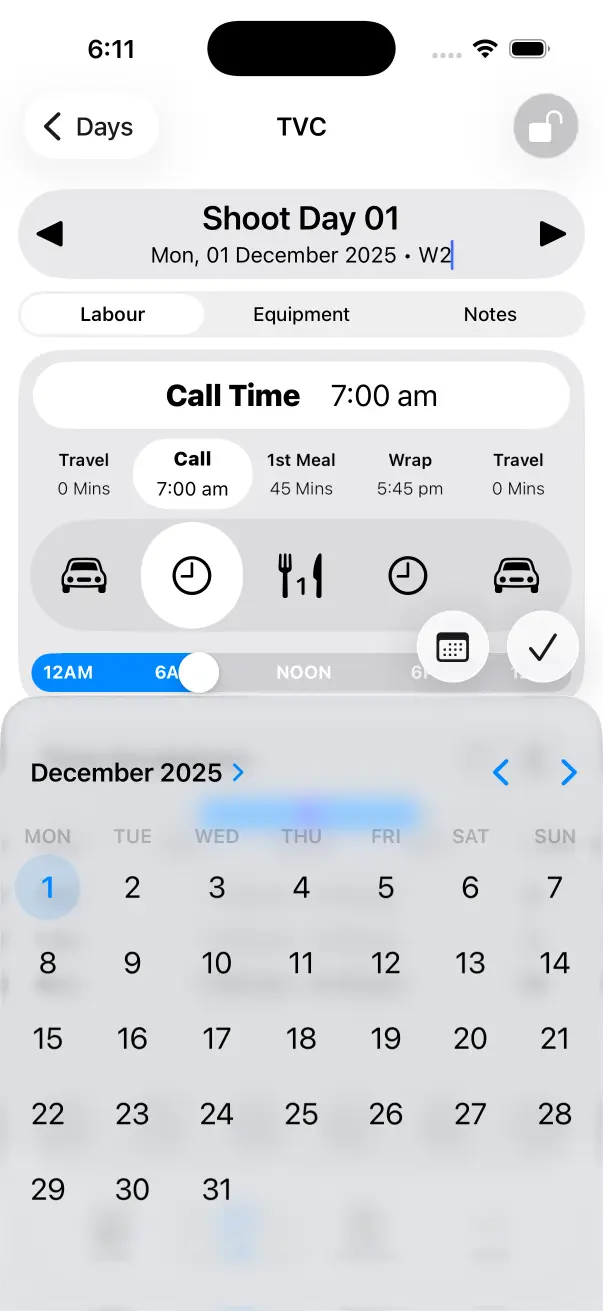
You can edit the Date by tapping it at the top of the Work Day Screen.
Navigating Work Days
Use the left/right arrows at the top of the Work Day Screen to change Work Days.